Adobe Acrobat Reader

 Category Category | Apps |
 Size Size | 602.63 MB |
 Requirements Requirements | Android 4.4 and up |
 Downloads Downloads | 70,000,000+ |
 Package Name Package Name | com.adobe.reader |
 Content Rating Content Rating | 3 |
Adobe Acrobat Reader App Download Overview
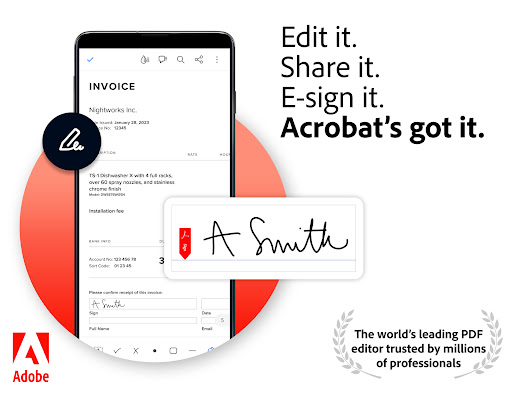
Adobe Acrobat Reader is a powerful, free global standard document management system, designed for viewing, editing, signing and annotating PDF documents, directly on the text. The app provides a seamless experience for users, offering the flexibility to work with scanned documents, fill and sign forms, store and print files, and connect to Google Drive. Adobe Acrobat Reader is renowned as the most reliable PDF viewer and editor, allowing users to effortlessly manage and share documents, collaborate, and stay updated on shared file activities.
Adobe Acrobat Reader Mobile App Download Features
- View PDFs: Easily open, view, scroll, zoom in and out, and choose between Single Page or Continuous scroll mode.
- Annotate PDFs: Comment or annotate on PDFs using sticky notes, drawing tools, highlights, and markup texts. Keep track of comments and respond effectively.
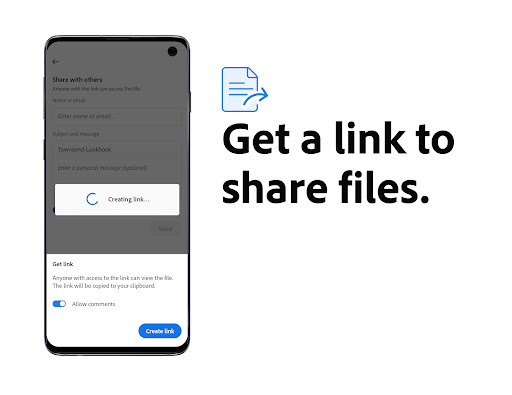
- Share PDFs: Access shared documents quickly, add your comments for collaboration, and track activities related to the files you’ve shared.
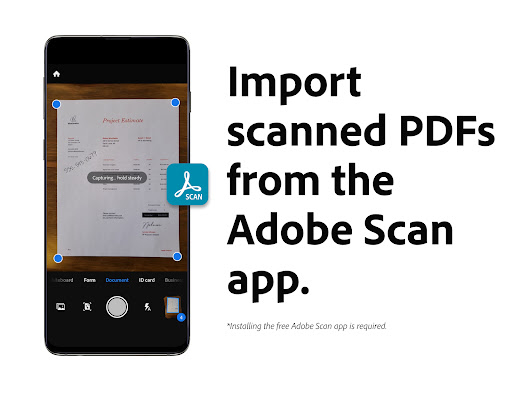
- Work with Scanned Documents: Capture, upload, review, sign and share scanned PDFs using the Adobe Scan feature.
- Fill and Sign Forms: Fill out PDF forms and add e-signatures with convenience.
- Store and Print Files: Save and access files across devices, star important documents, and print directly from your device. Connect with Dropbox and Google Drive for extra storage options.
- Connect to Google Drive: Effortlessly access, create, and manage your Google Drive files from Acrobat Reader.
- In-app Purchase: Upgrade your experience with added PDF features such as file organization, creation, exportation, compression, combination, and password protection.
Adobe Acrobat Reader App – What’s New
Adobe Acrobat Reader is now a Microsoft Intune supported partner app and accommodates multiple identities, enhancing security and user experience. Stay updated with new premium features available through in-app purchases to make your document management even more efficient and streamlined.
Adobe Acrobat Reader Mobile App Description
Adobe Acrobat Reader reigns as the global standard for reliable PDF view and document management. It allows you to convert JPG files to PDFs, create and sign fillable forms, and add e-signatures to shared files for quick and efficient collaboration. The free Adobe Document Cloud lets you store and access your files across devices, connect to Dropbox, and print documents directly from your device. Its latest features include support for Microsoft Intune, accommodating multiple identities for enhanced security. Subscriptions provide added benefits, including PDF file organization, creation, exportation, and more. Adobe Acrobat Reader revolutionizes the way you handle documents, making it a must-have tool for efficient and paperless collaboration.


Screenshots