Google Assistant

 Category Category | Apps |
 Size Size | 1.17 MB |
 Requirements Requirements | Android 5 and up |
 Downloads Downloads | 260,000,000+ |
 Package Name Package Name | com.google.android.apps.googleassistant |
 Content Rating Content Rating | 3 |
Google Assistant App Download Overview
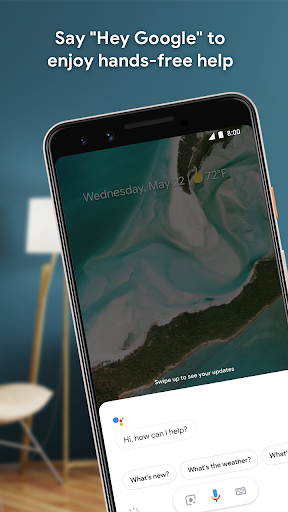
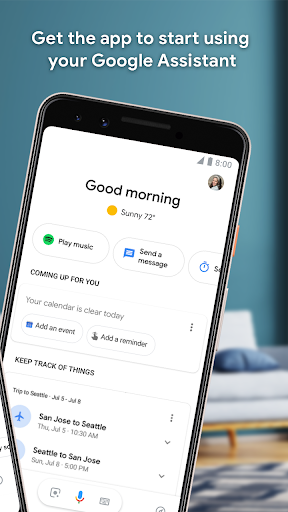
Meet Google Assistant, a revolutionary virtual personal assistant meticulously developed by Google Inc., accessible with just one tap. By simply pressing and holding the home button of your phone and stating, “Hey Google.”, you can avail of her services. Google Assistant is specifically designed to facilitate seamless two-way conversations and is compatible with iOS, Android, and smart home devices. From texting messages to making phone calls, setting reminders to creating calendar events, and providing weather updates to helping with navigation, Google Assistant does it all! Plus, you can ask her to update you with the latest news or to open your favorite music.
Google Assistant Mobile App Download Features
-
Google Assistant comes packed with a multitude of unique features geared towards making your life easier:
- User-friendly: Simply press and hold your phone’s home button and say, “Hey Google.” to start using.
- Compatibility: Google Assistant works seamlessly across iOS, Android, and smart home devices.
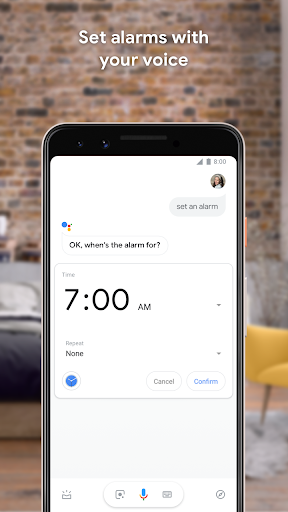
- Versatile: It can text messages, make phone calls, set reminders, create calendar events, and provide weather updates.
- Intelligent Navigation: Directs you to any location with the help of advanced navigation.
- Personalized Updates: It keeps you updated with the latest news according to your interests.
- Music Companion: Can open and play your favorite music on command.
Google Assistant App – What’s New
The latest update of Google Assistant introduces a better-organized settings menu. Instead of a single list, the settings are now segregated into three organized categories: ‘Customize your Assistant’, ‘Get things done’, and ‘Manage apps & services’. This small yet significant change offers a more manageable and intuitive user interface.
Google Assistant Mobile App Description
Google Assistant is a highly advanced virtual personal assistant designed to bring convenience to your fingertips. Launched in May 2016 as a part of the unveiling of the Google Home smart speaker, it has since expanded to multiple platforms including iOS, Android, and smart home devices. It was devised for two-way conversations with a personal touch. With Google Assistant, you can effortlessly send texts, make phone calls, schedule reminders, create calendar events, get weather updates, navigate to places, stay updated with the latest news, and enjoy your favorite music. The latest update even offers a more organized settings menu that enhances user experience and usability. Download Google Assistant today to experience a revolution in digital personal assistance.


Screenshots