Dropbox

 Category Category | Apps |
 Size Size | 65.44 MB |
 Requirements Requirements | Android 4.4 and up |
 Downloads Downloads | 710,000,000+ |
 Package Name Package Name | com.dropbox.android |
 Content Rating Content Rating | 3 |
Dropbox App Download Overview
Dropbox is your go-to online file synchronization tool. Released in 2007, this ingenious system is designed to keep all your vital documents, photos, videos, and other files safe and synchronized across different operating systems and devices. Dropbox has made it easy to share even large files with anyone, whether or not they have a Dropbox account. Tailored with both free and paid services – such as Dropbox Pro and Dropbox for Business – Dropbox gives you the flexibility to select a package that suits your personal or business needs.
Dropbox Mobile App Download Features
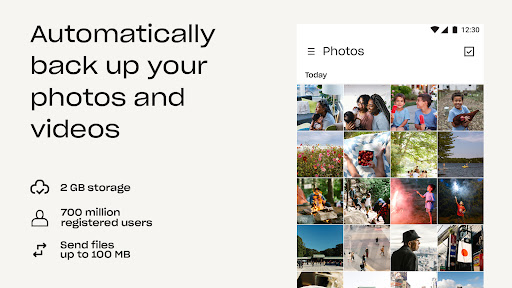
- Automatic File Backup: Dropbox automatically backs up your files, ensuring that you never lose crucial information.
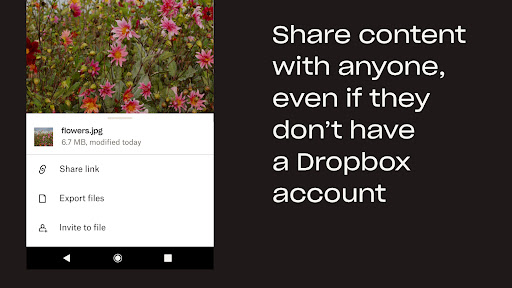
- Large File Sharing: Dropbox lets you send large files without using email attachments, speeding up and streamlining the sharing process.
- In-app Editing: Edit Microsoft Word, Excel or PowerPoint from mobile devices seamlessly on the Dropbox app.
- Document Recovery: With Dropbox, you can re-open documents exactly where you left off, boosting your productivity.
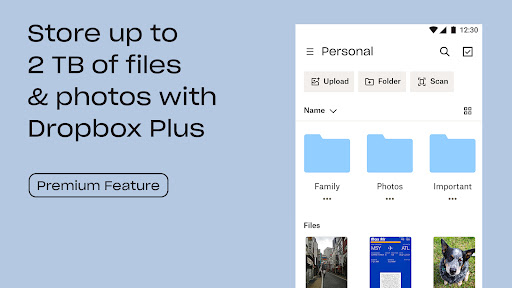
- Automated Folders & New Tagging System: These new features help to organize your files more efficiently by automatically performing tasks such as naming, sorting, and tagging. You can also search files by keywords through the tagging system.
Dropbox App – What’s New
From November 4, 2021, Dropbox has included automated folders and a new tagging system to help you better organize your files. Automated folders will perform tasks including naming, sorting, tagging, and more, while the new tagging system allows you to locate files more quickly. These advancements are currently available for teams, with plans to roll this out to individual and family users soon.
Dropbox Mobile App Description
Dropbox is not just an app; it’s an innovative solution to file storage, synchronization, and sharing. It allows you to keep all your files safe, easily share large files, and access your documents from any device. With Dropbox, you won’t just have a storage space, but a smart, organized, and efficient system that ensures you never lose track of your files. It is equipped with unique features like Automated Folders and Tagging System that are designed to make your file management easy and efficient. Download now and start enjoying the unique benefits of Dropbox. [Download from Google Play](/google/Y29tLmRyb3Bib3guYW5kcm9pZA== “Download from Google Play”) or [Download from App Store](/apple/MzI3NjMwMzMw “Download from App Store”).


Screenshots