Microsoft Excel

 Category Category | Apps |
 Size Size | 230.44 MB |
 Requirements Requirements | Android 6 and up |
 Downloads Downloads | 750,000,000+ |
 Package Name Package Name | com.microsoft.office.excel |
 Content Rating Content Rating | 3 |
Microsoft Excel App Download Overview
Microsoft Excel, developed by Microsoft for multiple systems like Android, iOS, MacOS, and Windows, is a widely-used spreadsheet app. It allows users to perform complex calculations, create pivot tables, use graphing tools, and even explore the macro programming language, Visual Basic for Applications. Similar to Microsoft PowerPoint, Excel allows users to view, create, edit and share their files with others easily and quickly. Excel’s unique quality is its widespread use in auditing, accounting, finance, and other fields, showcasing the most complex formulas and features with confidence on the go.
Microsoft Excel Mobile App Download Features
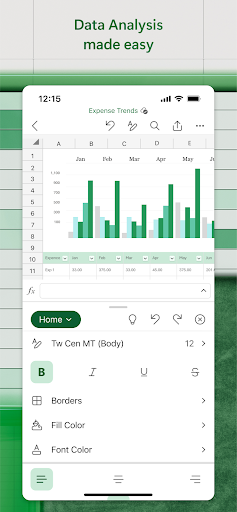
- Create, calculate, and analyze: Using Excel’s current templates, you can start your task list, accounting, budget, or financial analysis. Formulas facilitate run calculations of all data contained, and formatting options make your workbook easier to use.
- Review, edit, and work wherever you like: Excel allows you to review your files, update your task list and delete your data anywhere from any device. Features like filter and sort columns, duplicate, hide, and unhide sheets are included.
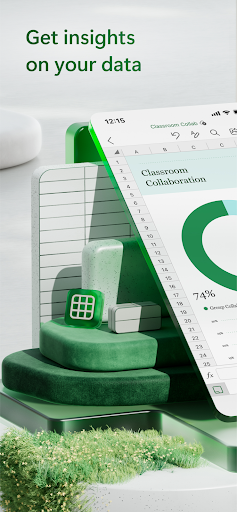
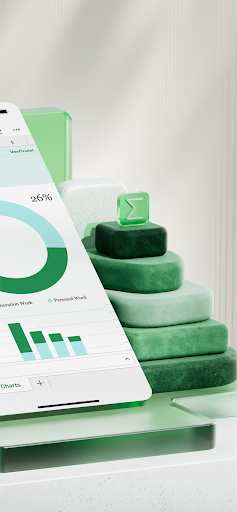
- Use data to tell a story: Excel brings your files’ data to life by inserting simple charts and adding chart labels to focus your key insights.
- Easily share your work: With one click, invite others to edit, view or leave comments directly in your workbooks. For other sharing options, you can also attach or copy the link to your workbook.
Microsoft Excel App – What’s New
Stay tuned for the latest updates, improvements, or new features that aim to enhance your user experience with Microsoft Excel. We are always working on adding new functionalities and simplifying workflows for a better, smoother user experience.
Microsoft Excel Mobile App Description
Microsoft Excel is a robust and versatile spreadsheet app developed by Microsoft. It offers a comprehensive range of features designed to cater to various needs – from simple calculation and data analysis to complex macro programming using Visual Basic for Applications. Whether for personal use or professional tasks in fields like auditing, accounting, or finance, Excel delivers remarkable performance and reliability. It’s not just an app; it’s a tool that empowers you to manage, analyze and share your data efficiently and confidently. It is compatible with Android, iOS, MacOS, and Windows, and requires a minimum of 1GB RAM and OS version KitKat (4.4.X) or above. All you need is a Microsoft account and a screen size of 10.1 inches or smaller to get started.


Screenshots