Microsoft Outlook

 Category Category | Apps |
 Size Size | 106.22 MB |
 Requirements Requirements | Android 5 and up |
 Downloads Downloads | 90,000,000+ |
 Package Name Package Name | com.microsoft.office.outlook |
 Content Rating Content Rating | 3 |
Microsoft Outlook App Download Overview
Introducing Microsoft Outlook, a one-stop solution for managing all your email accounts, calendars, and files conveniently in one place. With millions of users globally, Outlook offers seamless inbox management, allowing you to stay on top of your emails and documents. It also offers easy access to your calendar and other files, making productivity on-the-go easier than ever. It’s also compatible with other programs like Word, Excel, and PowerPoint, as well as major email providers such as Outlook.com, Gmail, Yahoo Mail, and Office 365.
Microsoft Outlook Mobile App Download Features
- Seamless Inbox Management: Have greater control and organization over your email accounts with our intuitive inbox management tool.
- Manage Documents: Apart from emails, our app also allows you to handle all your important documents in one place.
- Easy Calendar Access: Schedule your days and track all your important events in a breeze.
- Collaboration: Work seamlessly with Word, Excel, and PowerPoint right within the app.
- Integration: Outlook works brilliantly with Microsoft Exchange, Outlook.com, Gmail, Yahoo Mail, and Office 365.
Microsoft Outlook App – What’s New
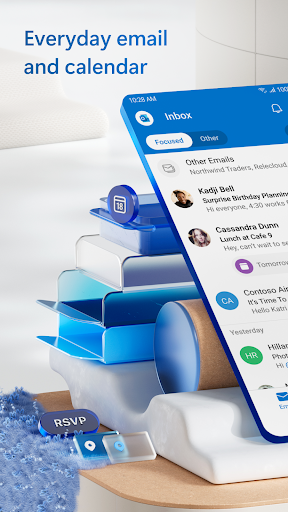
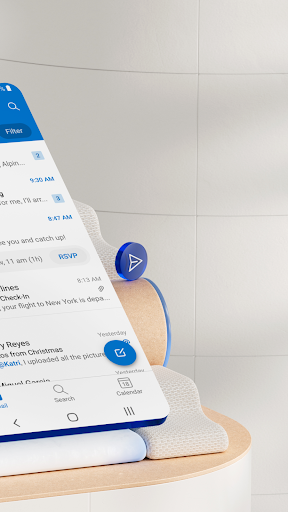
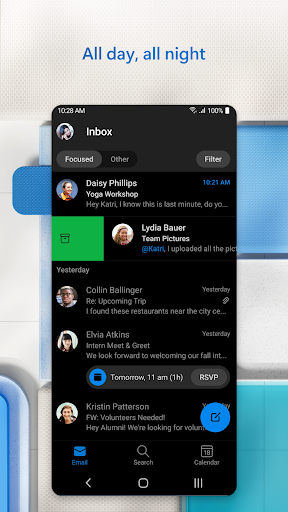
We are constantly improving and updating the Microsoft Outlook to bring you the best user experience. Recently, we have redesigned our theme and look to offer the best mail experience on your smartphones. This new design comes with a more intuitive interface, making it easier for you to navigate and manage your emails, calendar, and documents.
Microsoft Outlook Mobile App Description
Microsoft Outlook is designed to increase your productivity on-the-go. It gives you the convenience of accessing all your email accounts from various providers, managing your calendars, and accessing your files in just one app. You can also download files directly from the email view or from the Files tab, making it easy to work anytime, anywhere. You can also view and attach files from email, Dropbox, OneDrive, and Box. Plus, the recently redesigned interface offers a clean and intuitive user experience. With Microsoft Outlook, you have everything you need to stay organized and productive at your fingertips. Download from Google Play and App Store today!


Screenshots